

Do You Have Any Tips About Load Balancing, Failover and Clustering for ActiveADAPTER?

Active Directory Send Adapter

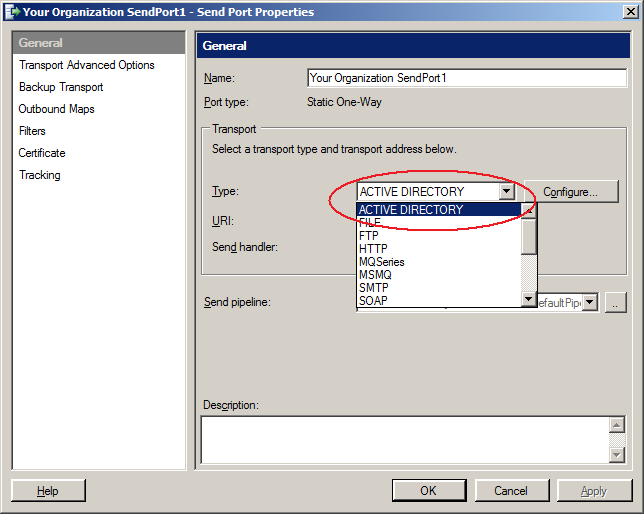
If you create multiple host instances for the host that acts as the send handler for ActiveADAPTER, BizTalk will generally take care of failover for you with send ports.  BizTalk will distribute messages to the host instances in a round robin fashion, and if one is down it will try the next. See your BizTalk documentation for more information.

Active Directory Receive Adapter

The best way to think about ActiveADAPTER receive locations and failover is to treat them like FTP receive locations. Microsoft has a number of documents dealing with failover and clustering solutions for FTP receive locations and these architectures will typically apply to ActiveADAPTER receive locations. See your BizTalk documentation for more information.

The use of Host load balancing in NOT recommended for receive locations. The queries performed by your ActiveADAPTER receive locations do not lock Active Directory results and if run on different host instances as part of load balancing may result in duplicate messages into your receive ports.

Clustering

As mentioned above, the best way to think about ActiveADAPTER in terms of clustering architecture is like the FTP adapter. There are a couple of useful resources about adapters and clustering at:

http://msdn.microsoft.com/en-us/library/aa561801(v=bts.20).aspx

http://kentweare.blogspot.com/2009/04/clustering-biztalk-hosts.html

In the second article Kent Weare discusses Active/Passive clustering that can offer redundancy with just the one BizTalk host – “host clustering”.
FAQs
We are interested in purchasing ActiveADAPTER for use by government or government contractors. What are the export conditions for ActiveADAPTER?

ActiveADAPTER was originally developed by Equate IT, a company registered in Australia. All developers and consultants have Australian or US citizenship. More information can be found in the EULA displayed during installation of ActiveADAPTER.

See the entire answer

My Solicit-Response Send Port Query Is Only Returning 1000 Results

Try adding the setting PageSize="1000" to your query parameters. For example:

<ActiveDirectoryQuery><Directives WhereToBind="LDAP://CN=Users, DC=test, DC=com" Filter="(objectCategory=user)" SearchScope="onelevel" PropertiesToReturn="cn" PageSize="1000"/></ActiveDirectoryQuery>

By default Active Directory only allows for a single page of 1000 results. By explicitly setting this value multiple pages (and hence all results) are returned.

See the entire answer

Can the Active Directory Receive Adapter help me build an orchestration that listens for changes to Active Directory?

Yes. The ON CHANGE ONLY option on the Active Directory Receive Adapter provides this feature. A message is submitted to your BizTalk application only when the results of the query you have specified change. This feature provides a great way to trigger orchestrations and keep information in your Enterprise Applications synchronized.

There is also a REAL-TIME mode that gets events from Active Directory asynchronously and submits them to BizTalk  as they happen.

See the entire answer